Getting Started
Once you’ve installed one ore more Agents, you should have access to the Agent user interface. The interface allows you to interact with the Agent, and more specifically configure the camera stream, setup a cloud connection, watch recordings and live views, etc.
Having a UI in place, it is important to note that Agent also ships numerous APIs, that allow you to automate the configuration. The APIs are exposed as, Swagger documentation, and can be used for configuration of Agent but also development of custom applications or business logic.
Login page
Once you open a browser, and navigate to the Agent user app (see installation for the URL), you will land on the login page.
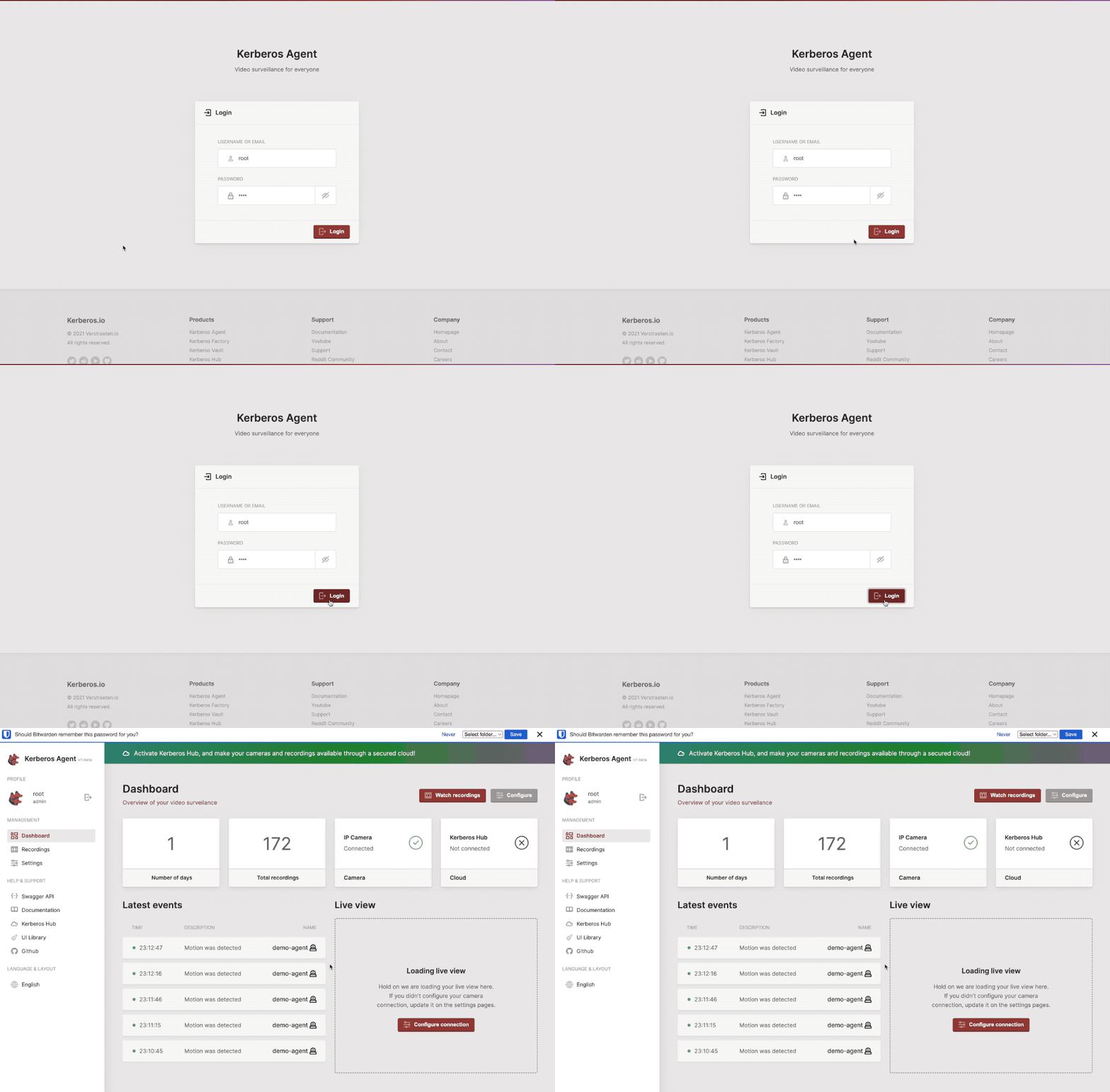
After successful installation you should be able to access the login page.
The default username and password of the Agent app is:
- username: root
- password: root
The username and password can be changed by setting an environment variable.
Dashboard
On the dashboard page, you’ll find a summary of the most relevant information and insights.
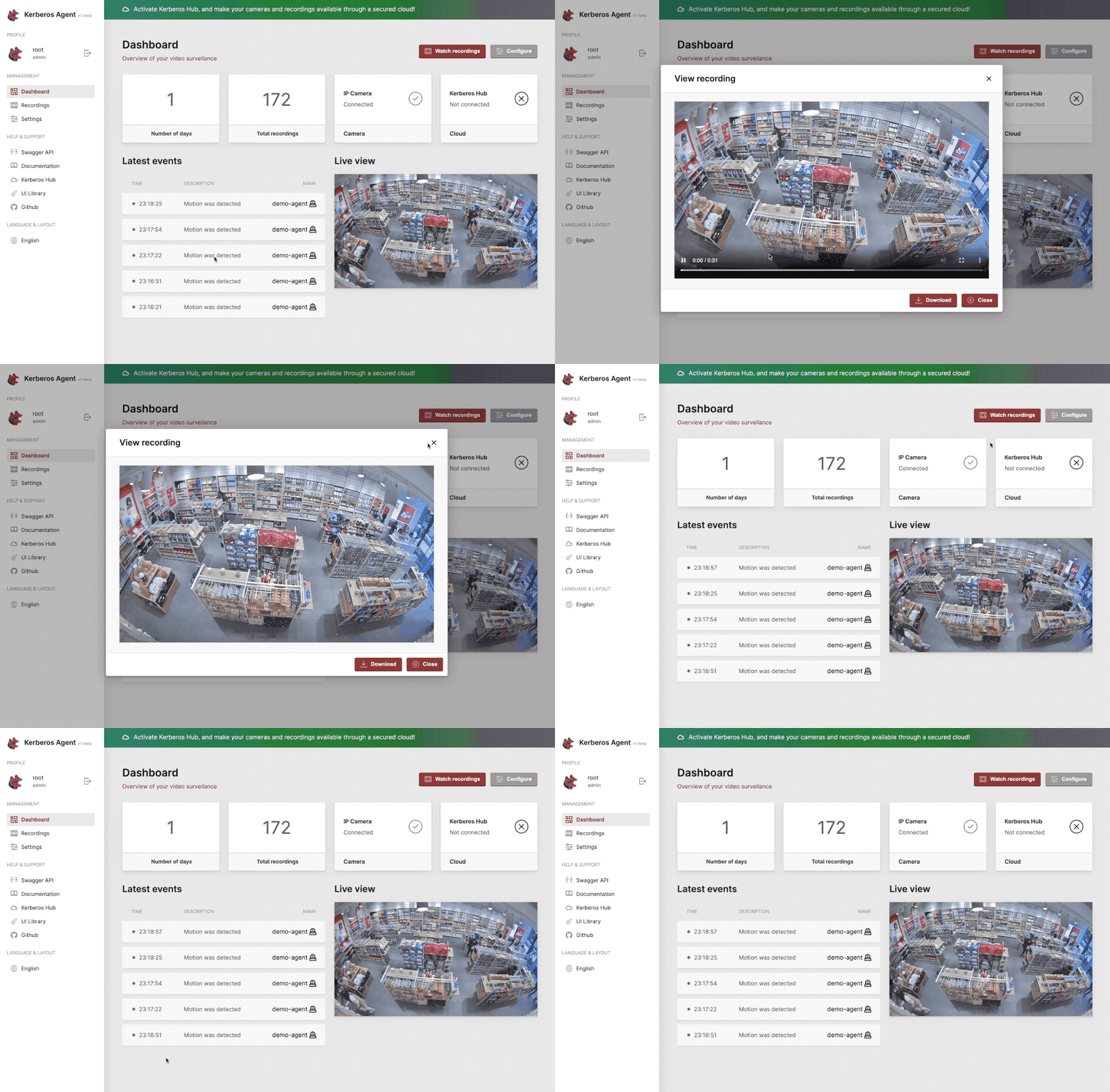
All relevant information on a single pane of glass
Media
At the media page you’ll find all your past and future recordings. It shows the recordings in a latest to oldest view and allowxs you to filter and browse through your recordings.
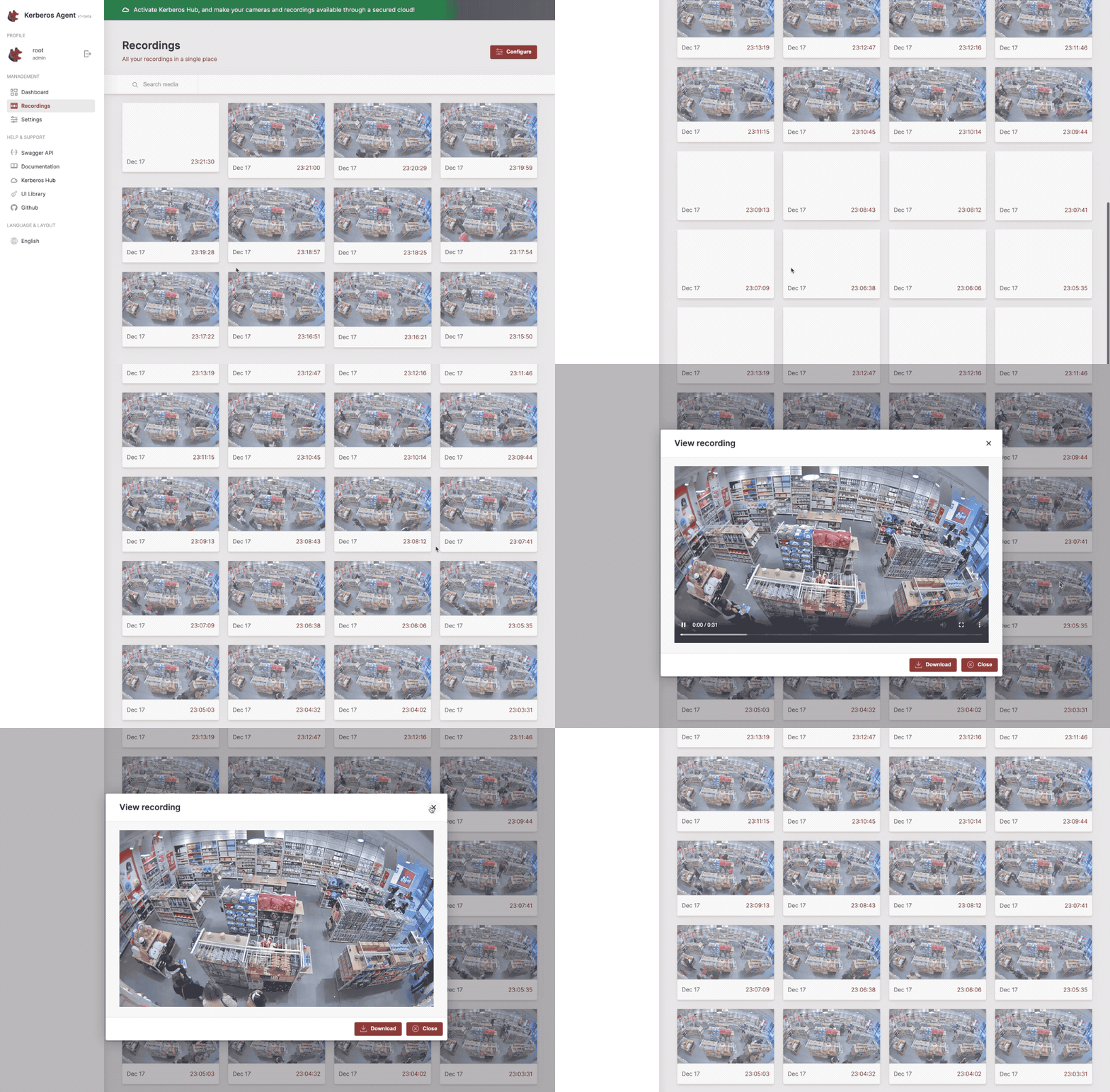
All your recordings in a single place.
Settings
The settings page allows you to modify the Agent configuration. While configuring you will find different settings such as:
- general (name, timezone, etc)
- camera (which main stream and/or sub stream)
- streaming
- persistence
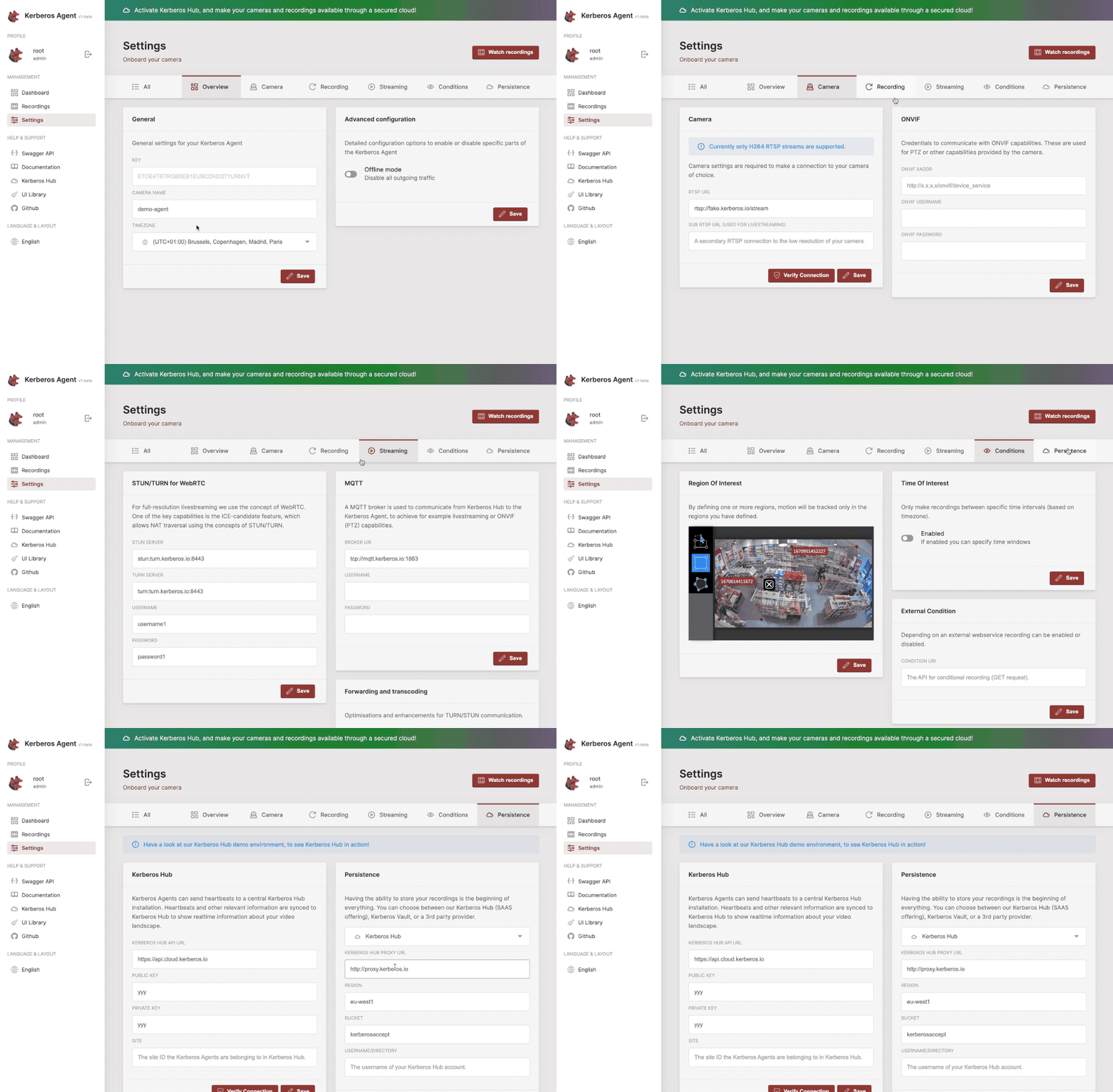
Configure your Agent.